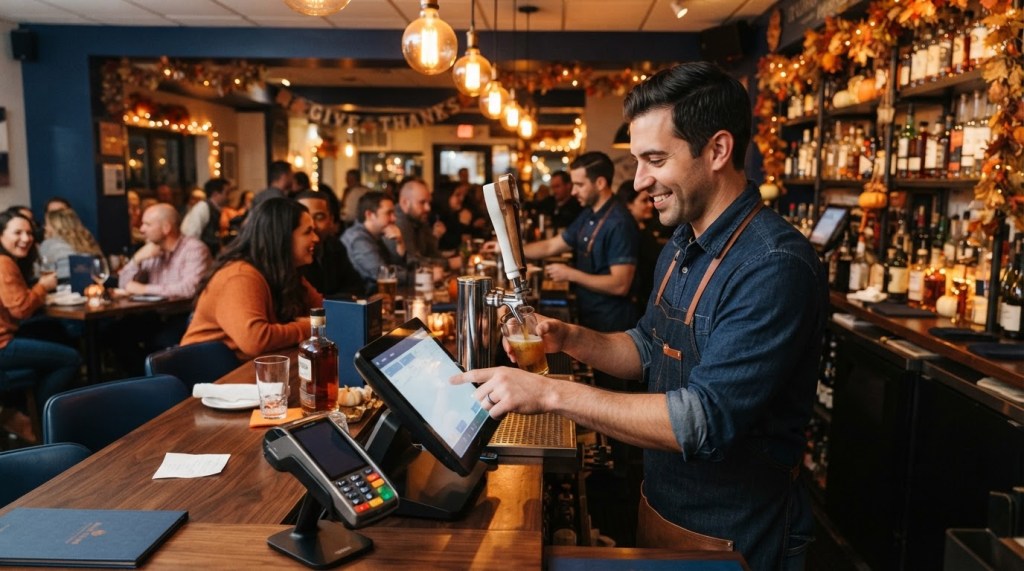
How can you prepare your restaurant’s POS system for busy holiday nights?
Start by testing your equipment, reviewing your network, verifying critical payment functions, preparing employees and establishing a backup plan before customers arrive.
Thanksgiving Eve, Christmas gatherings and New Year’s Eve can bring significant opportunities for restaurants and bars.
You’ve scheduled employees, ordered additional inventory and prepared your kitchen.
But have you prepared your technology?
A restaurant can have excellent food, outstanding service and a dining room full of customers. Yet something as seemingly simple as a payment terminal that isn’t functioning properly can create problems throughout the entire operation.
Here are eight things restaurant owners should review before their busiest holiday shifts.
1. Test More Than a Basic Credit Card Transaction
Processing a single credit card sale successfully doesn’t necessarily establish that every payment function is working correctly.
Restaurants often depend on several different transaction workflows.
These can include opening bar tabs, completing preauthorizations, splitting checks, adjusting tips, accepting contactless payments and processing refunds.
Test the functions your employees actually use.
If your business depends heavily on opening and closing bar tabs, verify that workflow specifically using your provider’s approved testing procedures.
A payment system that successfully processes an ordinary sale may still experience difficulties with another transaction type.
2. Evaluate Your Entire Network
Your restaurant’s internet connection supports considerably more than credit card processing.
Depending on your operation, your network might also support kitchen displays, printers, handheld devices, security cameras, televisions, music services, online ordering and guest Wi-Fi.
I’ve been working through restaurant technology situations where evaluating the entire environment has become increasingly important.
A successful internet speed test is useful information, but it doesn’t establish that every connected device is communicating reliably.
Connection stability, wireless coverage, latency and packet loss can also influence performance.
If problems have occurred during previous busy shifts, work with your network provider to investigate those conditions rather than relying exclusively on tests conducted when the restaurant is empty.
3. Make Sure Your Equipment Is Physically Ready
Technology problems aren’t always complicated.
Sometimes the issue involves a damaged charging cable, an unreliable power connection, a depleted battery or a printer that needs attention.
Before opening, inspect your equipment and confirm that:
- Handheld payment devices are charged.
- Charging stations and power connections are functioning.
- Receipt and kitchen printers have sufficient paper.
- Employees know which devices are available as backups.
- Wireless devices can communicate reliably throughout their intended service areas.
Addressing these relatively simple issues before service begins can prevent unnecessary interruptions later.
4. Understand What Offline Payments Actually Mean
Many business owners assume that enabling offline payments means their payment system will continue functioning normally if internet connectivity is interrupted.
That isn’t necessarily the case.
Offline payment capabilities vary by provider, device, transaction type and configuration.
Some transactions may be stored temporarily and submitted when connectivity returns. Other payment functions may require an active connection.
Transactions accepted offline may subsequently be declined, potentially leaving the business unable to collect the payment.
For example, Clover’s developer documentation explains that its Payment Connector requires connectivity for preauthorization and capture, even though supported standard sales can be queued offline. Confirm the capabilities of your particular setup.
Before relying on offline functionality, ask your provider which transactions are supported, what limits apply and what financial risks your business assumes.
Offline payments can be a valuable contingency option, but they should not be treated as a guarantee.
5. Prepare for Your Employees’ Most Common Technology Problems
During a busy evening, employees don’t have time to search through technical documentation.
They need to know what to do when something goes wrong.
What happens if a handheld device stops responding?
What should an employee do if a payment appears unsuccessful but the customer receives a bank notification?
Who should investigate a bar tab that won’t close?
Repeatedly attempting a transaction without checking its status can create confusion and potentially result in duplicate charges.
Establish a simple escalation procedure so employees know when to stop, check the transaction status and involve a manager.
6. Verify Your Online Ordering and Kitchen Workflows
A busy restaurant might receive orders through its dining room, telephone, website and third-party delivery platforms simultaneously.
Each order needs to reach the correct employees with accurate information.
Before the holiday rush, verify that online orders are reaching the intended kitchen printer or display, menu items and modifiers are configured correctly, and employees understand how to manage unavailable products.
If you use multiple ordering platforms, make sure any differences in pricing, availability and fulfillment procedures are intentional and properly communicated.
Accepting an order is only the beginning. Your restaurant still needs to fulfill it accurately.
7. Know Who to Contact Before Something Breaks
Your internet provider, network technician, POS provider and payment processor may all have different responsibilities.
When a problem occurs, knowing which company to contact can save valuable time.
Create a simple emergency contact sheet containing support numbers, holiday support hours, escalation procedures and the name of the person responsible for coordinating technical issues.
Verify holiday availability directly with your providers.
Don’t wait until New Year’s Eve to discover that the person you normally contact is unavailable.
8. Avoid Unnecessary Last-Minute Technology Changes
If your restaurant is operating reliably, the hours immediately preceding a major holiday shift may not be the ideal time to introduce an unfamiliar application, change your network configuration or replace functioning equipment.
Necessary security updates and urgent repairs should still be addressed appropriately.
However, discretionary technology changes are generally better introduced with adequate time for testing, employee training and recovery if something doesn’t work as expected.
The goal is to enter your busiest shift with a stable, familiar operating environment.
What Could a Payment Interruption Cost Your Restaurant?
Consider a hypothetical restaurant experiencing a 30-minute payment interruption during a busy evening.
If 20 customers are waiting to complete transactions averaging $50 each, that’s $1,000 in payments temporarily affected.
Not all of that revenue will necessarily be lost.
But the restaurant may experience delayed table turnover, frustrated customers, additional employee workload and potential payment collection problems.
The cost of a technology interruption extends beyond the transactions themselves.
Your Pre-Holiday Restaurant Technology Checkup
- ☐ Ordinary card transactions tested
- ☐ Bar-tab and preauthorization workflows tested
- ☐ Handheld devices charged
- ☐ Network and wireless coverage reviewed
- ☐ Offline payment limitations understood
- ☐ Kitchen and online ordering workflows verified
- ☐ Employees understand escalation procedures
- ☐ Holiday support contacts confirmed
The Merchant Doctor™ Perspective
I believe payment technology should support a restaurant’s ability to serve customers, especially when the business needs it most.
That means evaluating more than processing rates or the number of features included with a POS system.
It means understanding how the restaurant operates, how its employees use the technology and what happens when something doesn’t work as expected.
The busiest night of the year should be an opportunity to grow your business, not an opportunity to discover weaknesses in your technology.
Take the time to prepare.
And if your restaurant has experienced recurring technology problems, investigate the underlying cause before spending more money on another solution.
At Business Eye Network, that’s the philosophy behind Merchant Doctor™.
Diagnose first. Prescribe second.™


Leave a Reply