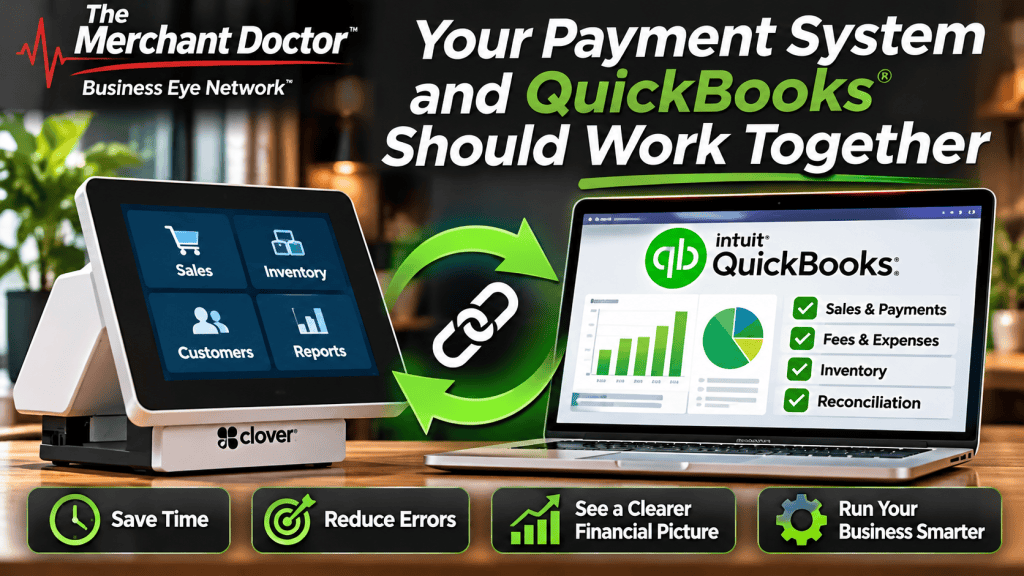
For many small businesses, accepting a payment is the easy part. It’s everything that happens afterward that creates the headaches. A customer pays at the front desk. Another pays an invoice remotely. Someone else calls with a credit card. Meanwhile, the owner or bookkeeper is trying to make sure every transaction gets recorded correctly in QuickBooks.
The problem isn’t necessarily your payment processor, accounting software, or employees. The problem may be that your systems aren’t communicating with each other.
One Business. Multiple Ways to Get Paid.
Consider a wellness practice, professional services business, or retail operation. It might accept payments in person at a countertop terminal, remotely through a virtual terminal, online through invoices, and through a product or service catalog. Each channel serves a purpose, but disconnected systems can force employees to enter the same information multiple times.
What If All Those Payments Could Flow Into QuickBooks?
Imagine a payment environment where the business accepts payments through different channels while maintaining a consistent accounting workflow. A front-desk transaction can be recorded in the payment platform and, through a properly configured integration, relevant information can transfer into QuickBooks. A virtual-terminal payment can be included in that workflow. An online invoice payment may be associated with the appropriate accounting record, depending on supported features.
Capture the payment once. Move the information where it needs to go. Minimize unnecessary manual entry.
A well-designed integration may help record transaction amounts, connect customer and invoice information, track products and services, account for processing fees, and reconcile deposits. Not every platform supports every function; the critical step is verifying the proposed integration against the business’s actual needs.
Your Payment Terminal Can Do More Than Accept Credit Cards
Some modern payment terminals offer touchscreen interfaces, customer-facing displays, product catalogs, and service menus. Employees can select a specific treatment or product rather than enter an arbitrary amount. This creates a more structured transaction that may support better reporting and accounting.
What About Credit Card Processing Fees?
Many business owners want to offset processing expenses without making checkout confusing. Depending on the payment platform, applicable law, and card-network rules, options may include compliant dual pricing or credit-card surcharging. These are not interchangeable. Credit-card surcharging has restrictions, including that debit and prepaid cards cannot be surcharged. Pricing must be clearly disclosed, and the payment channel must support the chosen approach.
The Missing Piece: Reconciliation
Getting a transaction into QuickBooks is only part of the equation. Businesses also need to understand the difference between gross sales and bank deposits after fees, refunds, and adjustments. A useful integration should support an accounting workflow that distinguishes sales, refunds, processing fees, and net deposits. The exact capabilities depend on the provider, settlement structure, and integration.
Don’t Replace QuickBooks Just to Fix Your Payments
If QuickBooks already works well for invoicing and financial reporting, replacing it may be unnecessary. Sometimes the smarter solution is to improve the payment technology surrounding it—perhaps a new terminal, virtual terminal, or gateway—while preserving the accounting environment employees already know.
The Merchant Doctor Perspective
At Merchant Doctor™, we believe payment systems should be evaluated on more than processing rates. A business might save a little on transaction fees while losing far more in employee time, bookkeeping, and operational inefficiencies.
We assess the complete picture: Total Cost. Software & Technology. Operational Fit. Service & Support. Contract & Risk. Before recommending a solution, we want to understand how customers pay, what employees do after each transaction, and how that information ultimately reaches accounting.
The right payment solution should do more than process a credit card. It should help the entire business run better.
Is Your Payment System Creating More Work Than It Should?
If your business accepts payments in person, over the phone, or through invoices—and employees still manually enter transactions into QuickBooks—it may be time to evaluate the workflow. Merchant Doctor™ helps businesses evaluate payment technology, processing costs, software integrations, and operational efficiency. Visit BusinessEyeNetwork.com to learn more.


Leave a Reply